Chest
Stylized chinese chest
This texturing work is made from Concept Art by kate fedorchuk. (https://www.artstation.com/kate5821)
The work process from the modeling of high polygons and low polygons was as follows:
Baking of main textures to texture and capture the details in the low poly model, the maps we used were:
-Ambient occlusion.
-Curvature.
-Normal.
-Normal objects.
-Position map.
With all these maps baked I started texturing the chest in Blender.
Use these maps to further mark cavities, arrange lights, top-to-bottom gradients to simulate progressive candlelighting, and much more.
Create the materials where you mix the baked maps, with the colors, gradients, brightness, metallicity, roughness and other parameters, many of the maps or colors were adjusted freehand by painting directly on the object.
From Blender I baked the missing maps like Base Color, Metallicity and Roughness.
After this process, in Marmoset with the low poly model I created the material where I imported all the maps created so far and configuring the material until I obtained the desired result.
After that, set up the lights, bed parameters, and the latest rendering settings like passes, image size, denoising, and more.
And job done.
I hope you like it!
Don't forget to leave me your comments.


Interactive 3D Model
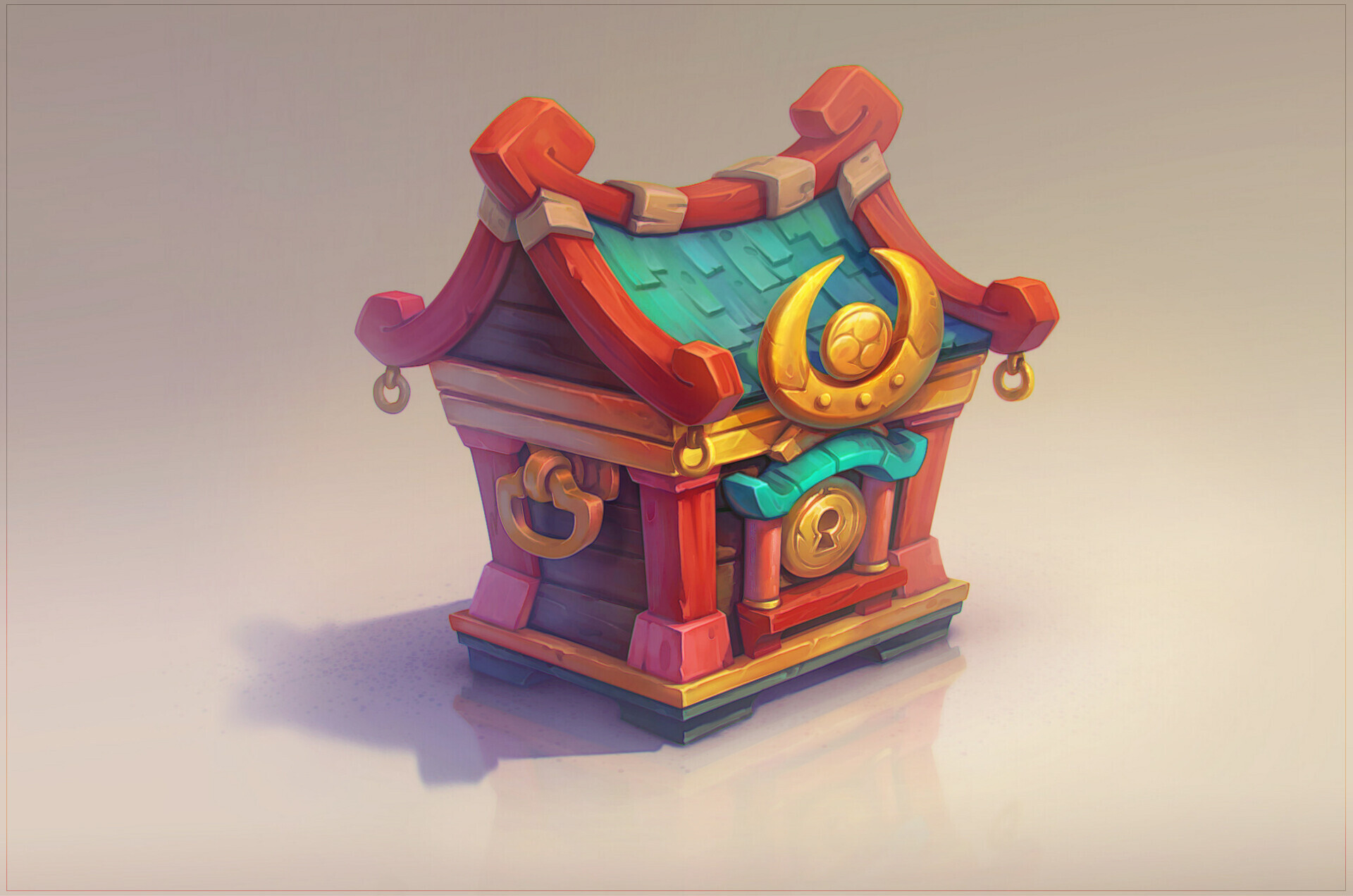
Concept - Chest by kate fedorchuk